One-time code
StandardA six-digit code sent to the signer's email and entered before signing. A signer with no email gets it by SMS.
Good for: internal approvals, NDAs, routine contracts
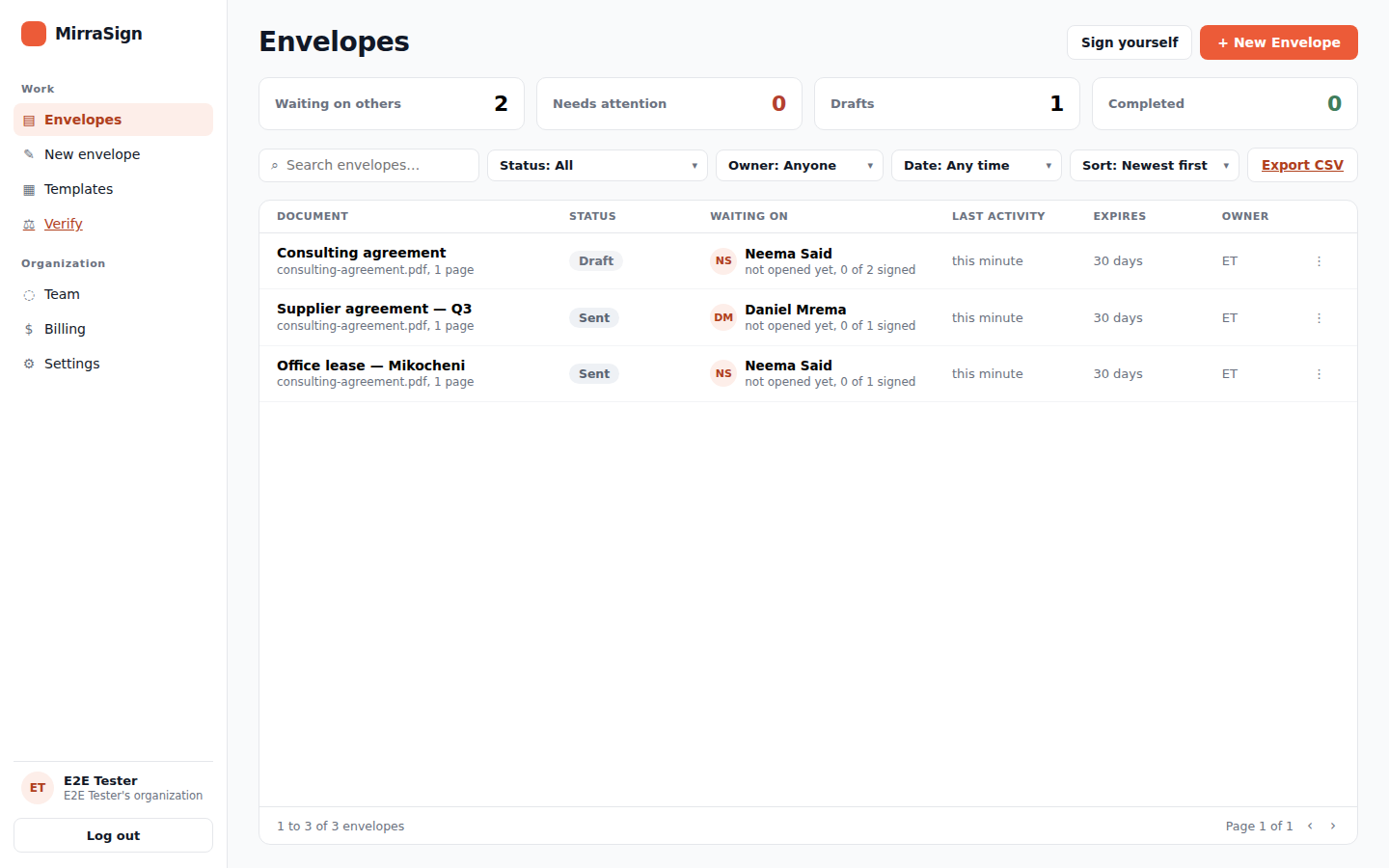
Send a document, verify who signed it, get a sealed copy with the audit trail. Signers only need the link.
Under five minutes from PDF to sent.
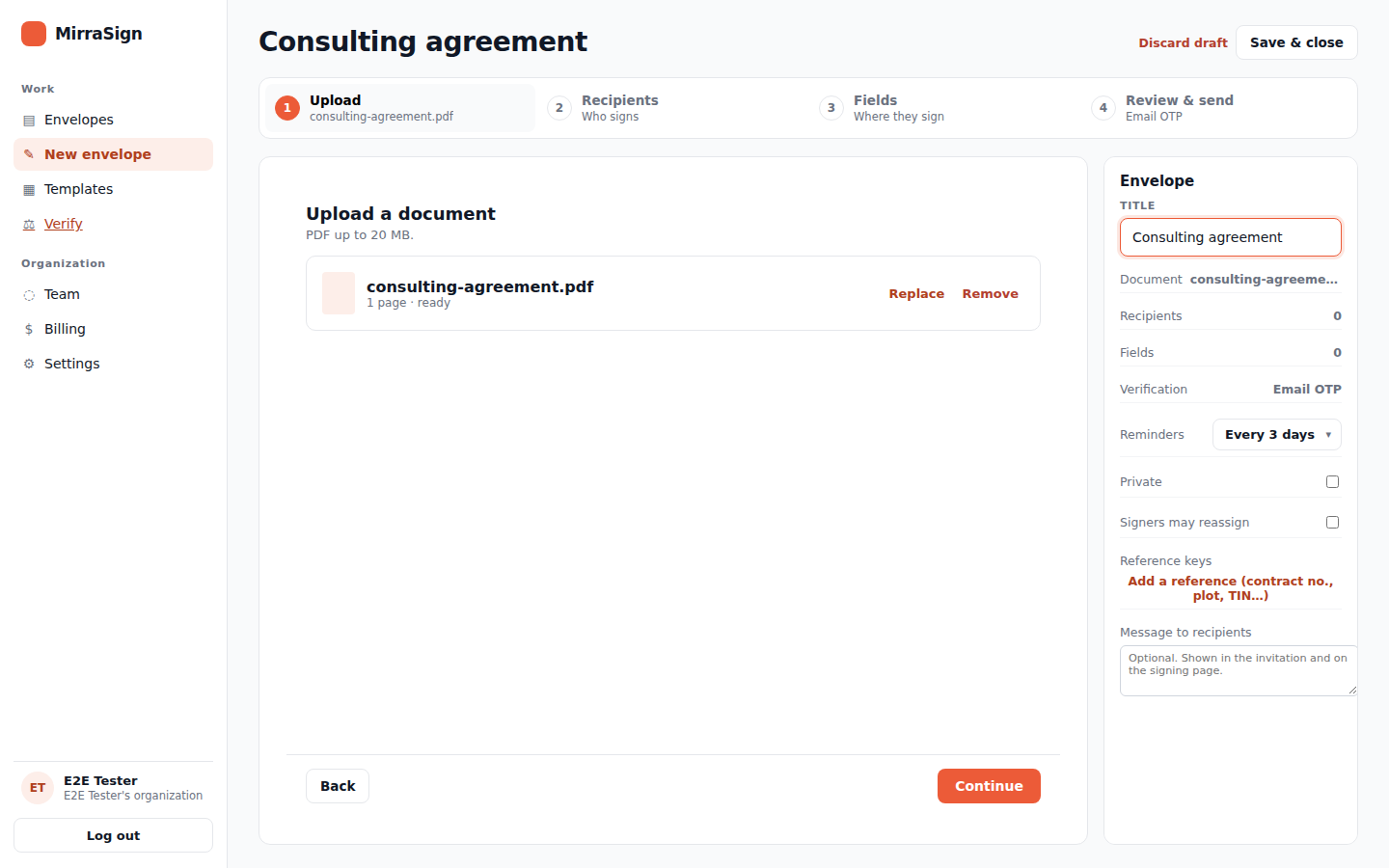
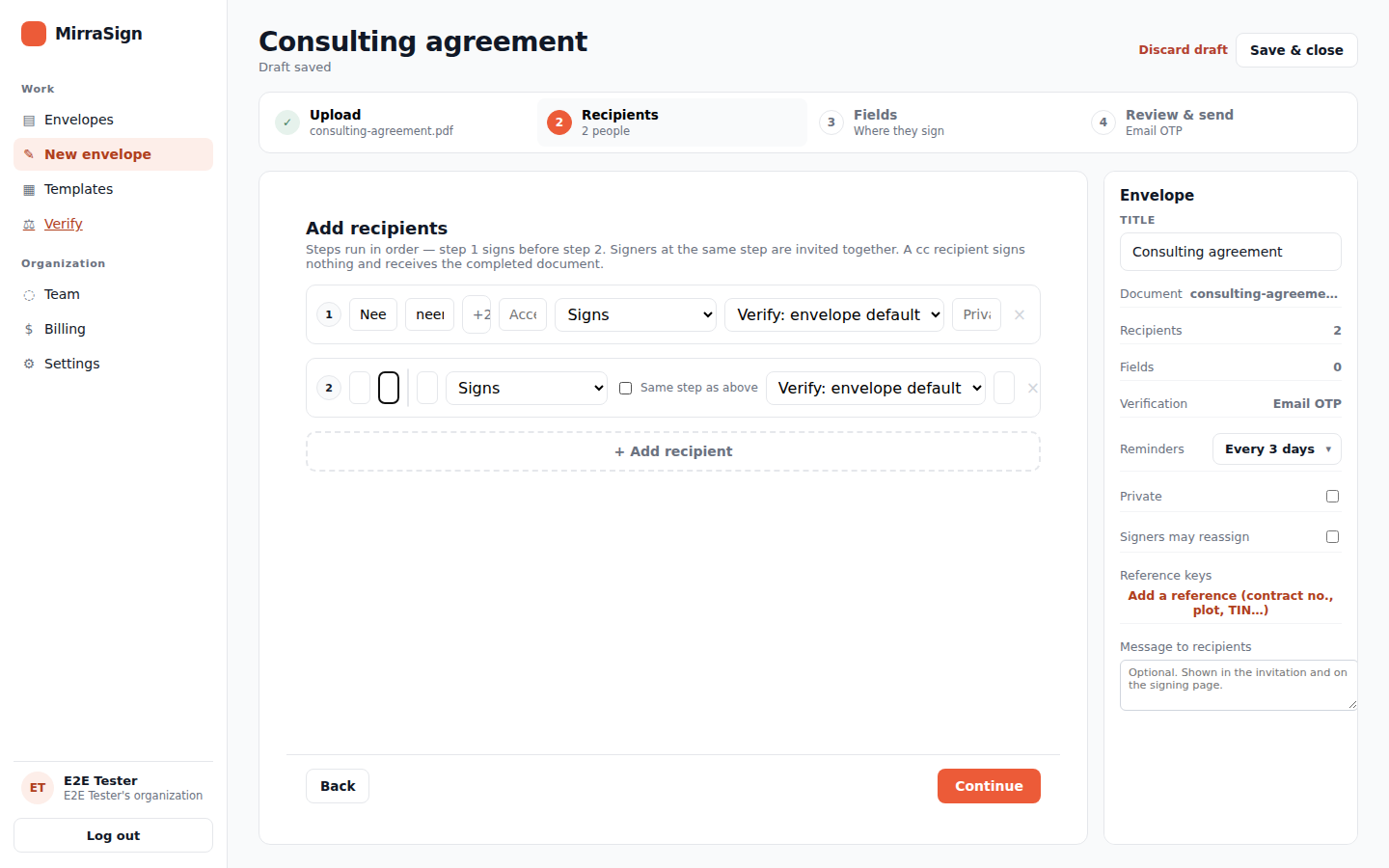
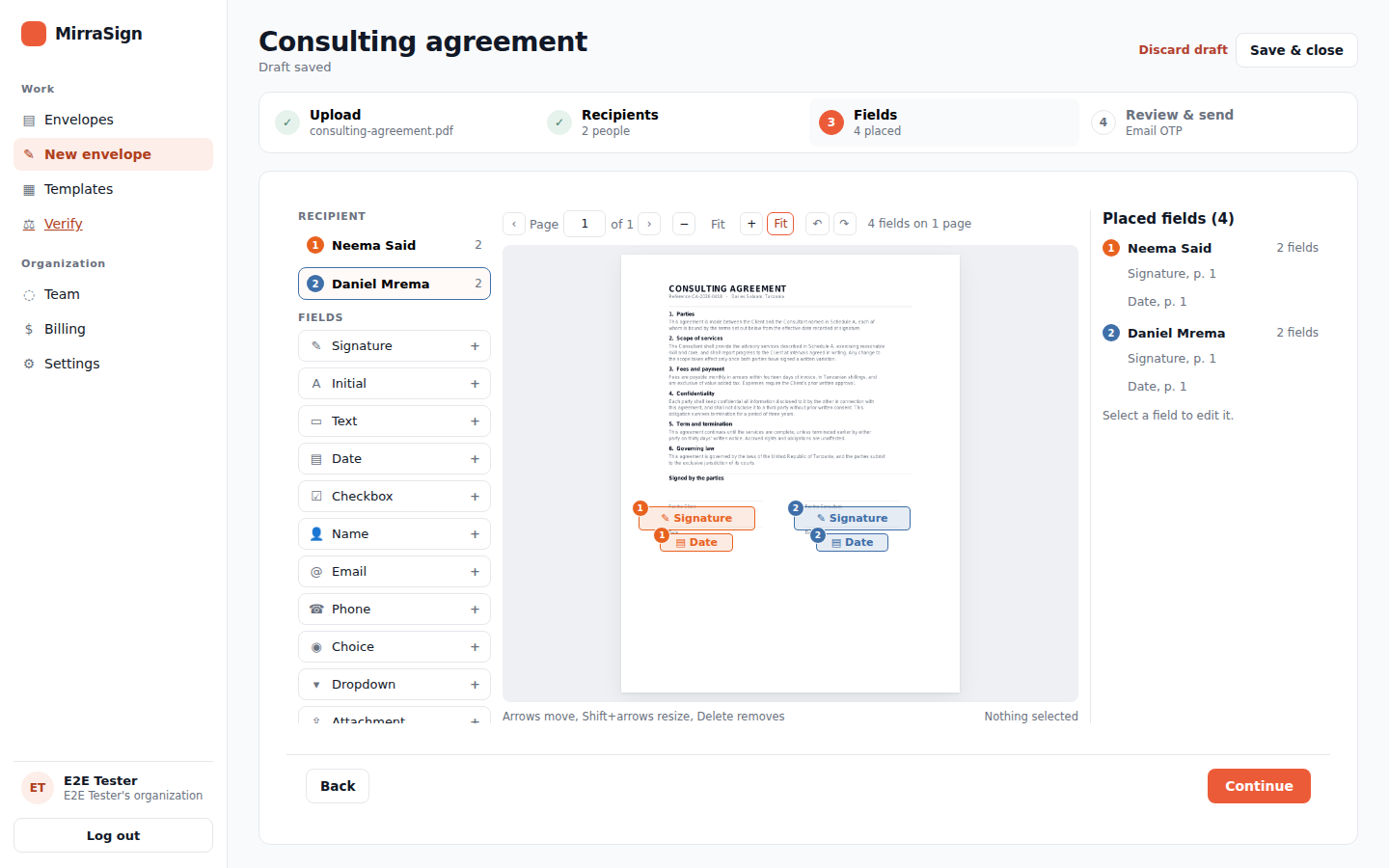
Set for each signer. A routine approval and a high-value agreement need not carry the same friction.
A six-digit code sent to the signer's email and entered before signing. A signer with no email gets it by SMS.
Good for: internal approvals, NDAs, routine contracts
A code plus a photo of a government ID, kept in the evidence record.
Good for: loans, share transfers, anything a court may see
Drop the sealed PDF and its manifest into the verifier. It checks the audit chain, the seal, the PDF's own signature, the timestamp, and that the document names this chain. Nothing is read from your organisation's records, so the same checks still pass years from now. A recipient's copy of the manifest leaves out IP addresses and browser details, so its audit chain is checked in full with the sender's copy.
Open the verifierSealed copies carry a privately configured seal, not publicly trusted: the certificate page and our verifier confirm the document is intact, but a PDF reader will not yet show our seal as trusted.
Yes. The Electronic Transactions Act 2015 recognises electronic signatures. The audit trail, identity check and seal give you the evidence to rely on it.
No. Signers get a private link, verify, and sign in the browser. Only senders need an account.
A decline stops the envelope and notifies you. Unsigned envelopes get automatic reminders and expire after 30 days. Extend, resend or void any time.
Yes, with MirraSign's own verifier — no account needed. Drop in the sealed PDF and its manifest and the checks run on those two files alone, reading nothing from your organisation's records, so the same check still passes years later. A recipient's copy of the manifest leaves out IP addresses and browser details, so its audit chain is checked in full with the sender's copy. Once the trusted seal is live, the PDF's own signature will also check out directly in any standard PDF reader.
Your data is stored in Tanzania. Access is enforced per organisation at the database level, not only in application code. Everything is encrypted in transit with TLS 1.3, and senders can protect their own account with an authenticator app. Completed envelopes are sealed and their evidence retained for seven years.